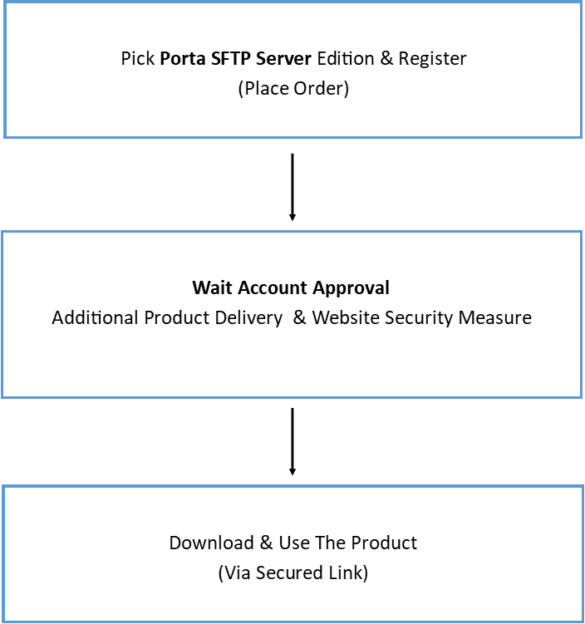
Assuming that you already installed OpenPGP and Kleopatra on your computer then all you have to do is right-click the folder or file then select sign and encrypt.
Figure 1
Selecting File & Navigating Options
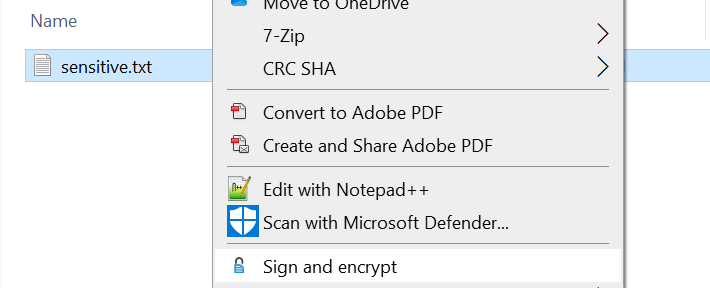
Figure 2
Encrypting File
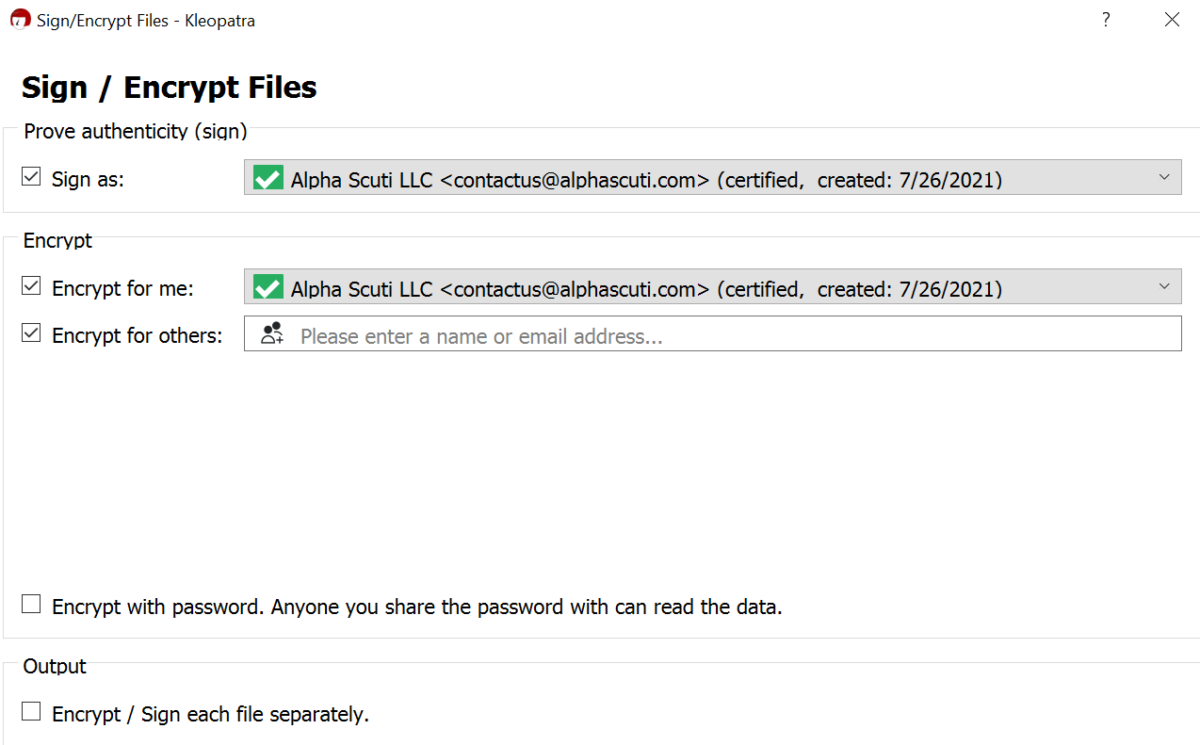
Note. You can then select the option you need on the following options.
Sign as: If you want to sign with your private key.
Encrypt for me: If you are encrypting the file for yourself then you have to select your own credentials.
Encrypt for others: The imported credential for that entity where you want to send the encrypted data(file).
Encrypt with password: This will let you put a password to the signed file.
Figure 3
Validating Encrption Process
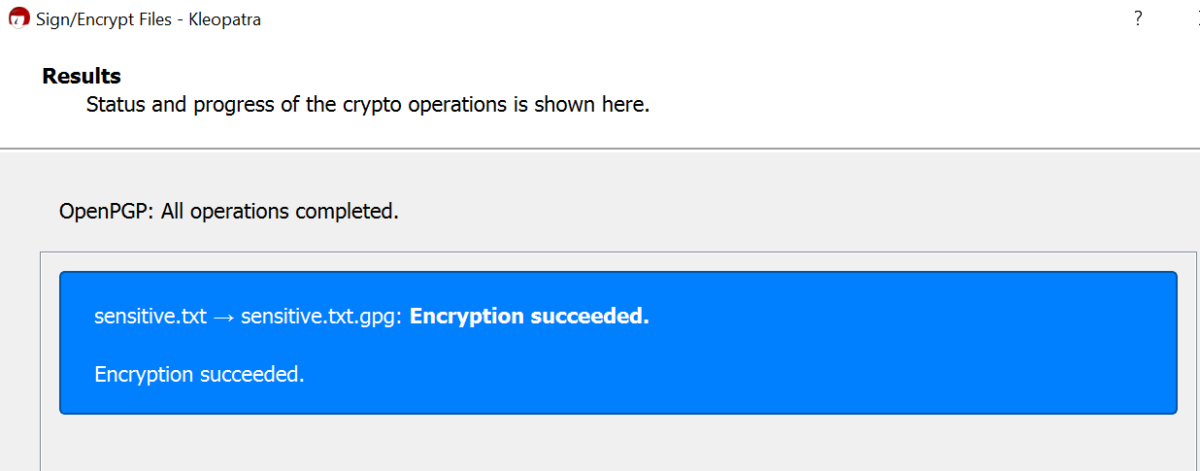
Note. Make sure that the encryption is succeeded.
Figure 4
Sample Output

Note. This encrypted file is the one you should send.