Download then install the Gpg4Win that contains the Kleopatra Crypto-Manager: Gpg4win – Download
To generate your key pair using the Kleopatra user interface please follow the following.
Figure 1
Go to File and select “New Key Pair”

Figure 2
Select the “Create a personal OpenPGP key pair”.
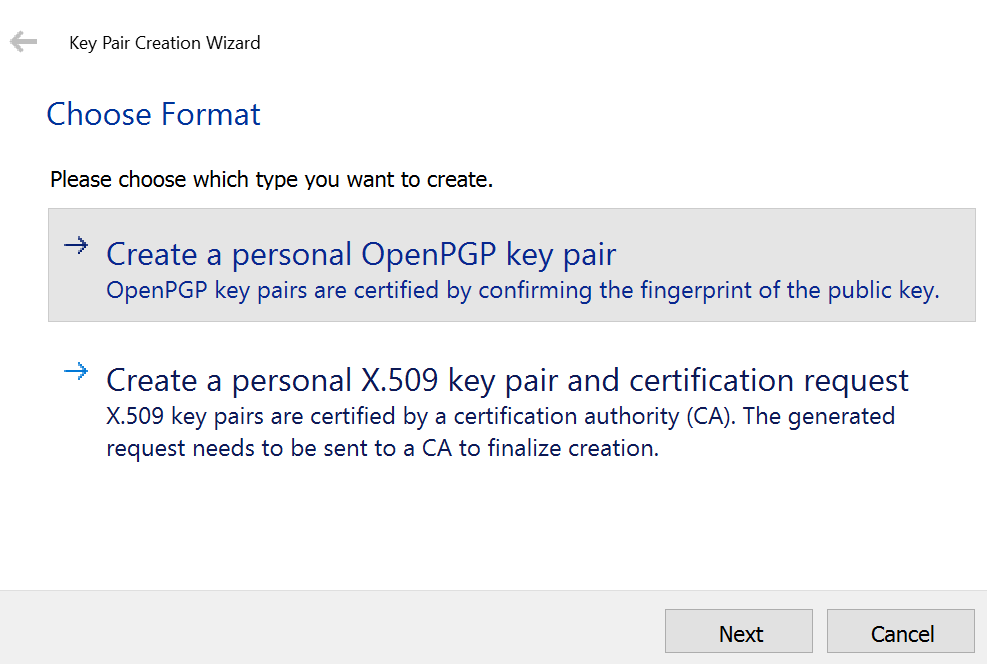
Note. Depending on your computer speed you have to wait a minute or two to generate the key pair.
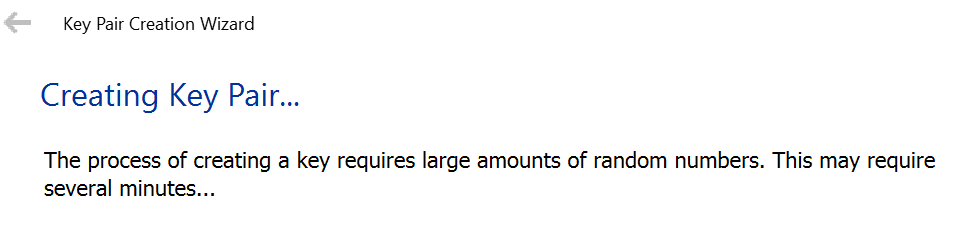
Figure 3
Creating a backup of the secret key.
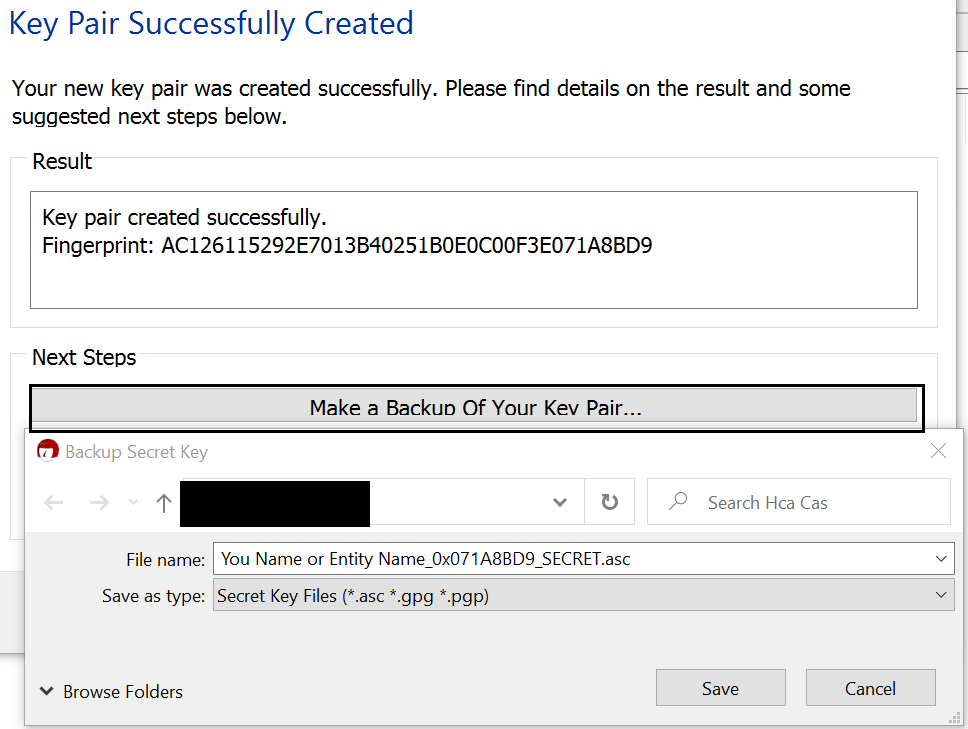
Figure 4
Export your public key by right-clicking the name of the created key pair.
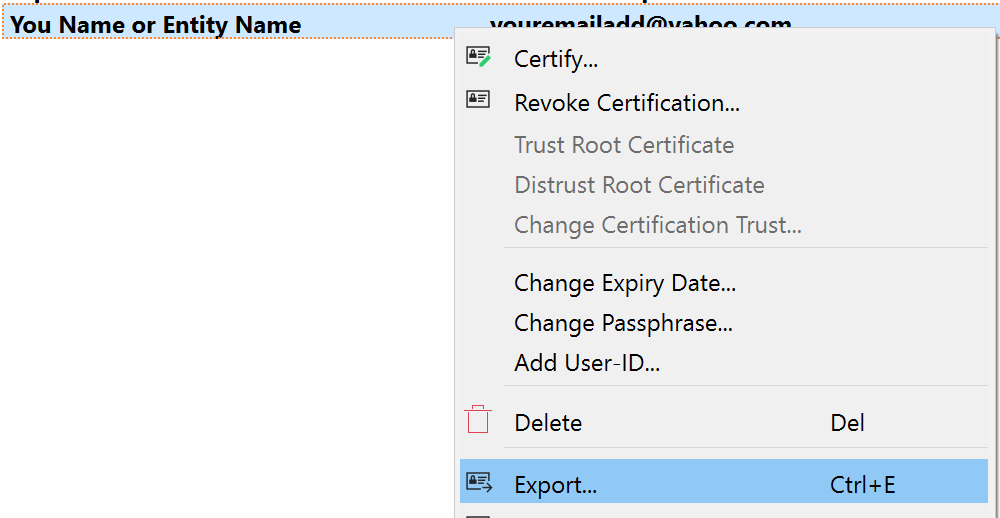
Note. You can also change Passphrase/Password(if you want to) before exporting its public key.